Add a Google Analytics Dimension
- On Google Analytics side
- Choose ADMIN on the left side menu
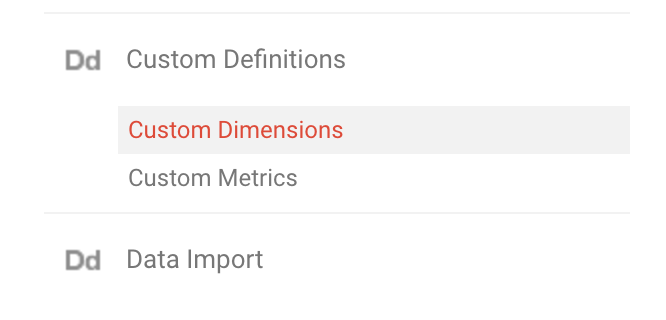
- On the PROPERTY menu, click Custom Definitions then Custom Dimensions
- Add a dimension and choose the Session Scope
- Get the dimension id
- On AdBack.co side:
- Go to https://www.adback.co/en/integration/google/analytics
- Click on Edit website
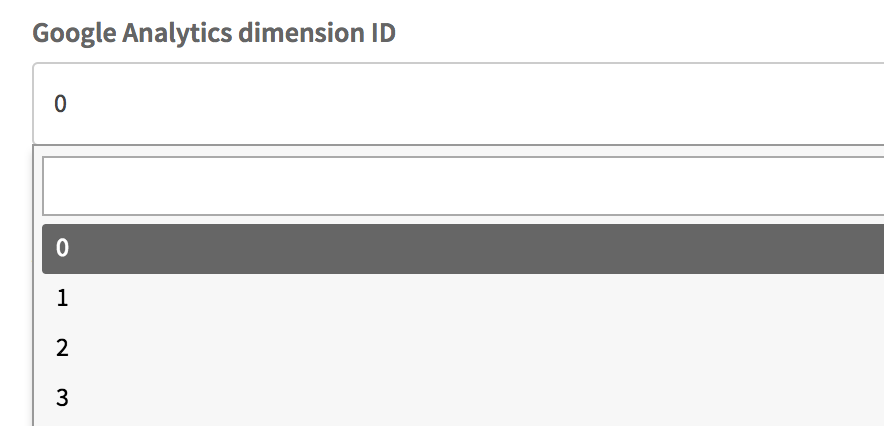
- Select the dimension id previously created
- Save by clicking on Edit website
- Values are:
0 - no adblock
1 - adblock without whitelist
2 - adblock with whitelist
4 - corporate filtering